
To track AI referral traffic for a medical practice, build a custom channel group in GA4 called “AI Assistants.” Its one rule matches the session source against chatgpt, perplexity, gemini.google, copilot.microsoft and claude.ai. Then move that channel above Referral so GA4 sorts those visits first. After that, check server logs for AI user agents and keep every tag off pages that carry patient data.
We researched the official help pages from Google, OpenAI, Anthropic and Perplexity for this guide. We also read the HHS guidance on tracking tools and Google’s own HIPAA note for Analytics. So every setting, user agent and rule here comes from the company that owns it.
Check Six Facts Before You Read the AI Numbers
- A standard GA4 property allows 2 custom channel groups, each with up to 50 channels.
- GA4 regex is a full match and case sensitive by default, so wrap the pattern in .* on both sides.
- Channel order decides where a session lands, so the AI channel must sit above Referral.
- ChatGPT adds utm_source=chatgpt.com to the links it sends, which makes its visits the easiest to spot.
- Server logs show ChatGPT-User, Perplexity-User and Claude-User fetches that never reach GA4.
- Google offers no business associate agreement for Analytics, so tags stay off portal, booking and symptom pages.
Look for AI Visits Your Reports Already Hold
Open Reports, then Acquisition, then Traffic acquisition. Next, switch the main dimension to “Session source” and type “chatgpt” in the search box. Repeat the search for “perplexity,” “gemini,” “copilot” and “claude.” If rows appear, note whether GA4 filed them under Referral or Unassigned.
Those scattered rows are the reason for a custom channel. In the default setup, AI visits mix with links from directories, hospitals and local news. As a result, nobody can tell whether AI answers send more patients this quarter than last.
Patients do use these tools. KFF polled 2,428 US adults from June 3 to 24, 2024. Of those, 17% said they used AI chatbots at least once a month for health information or advice. Among adults aged 18 to 29, the share was 25%.
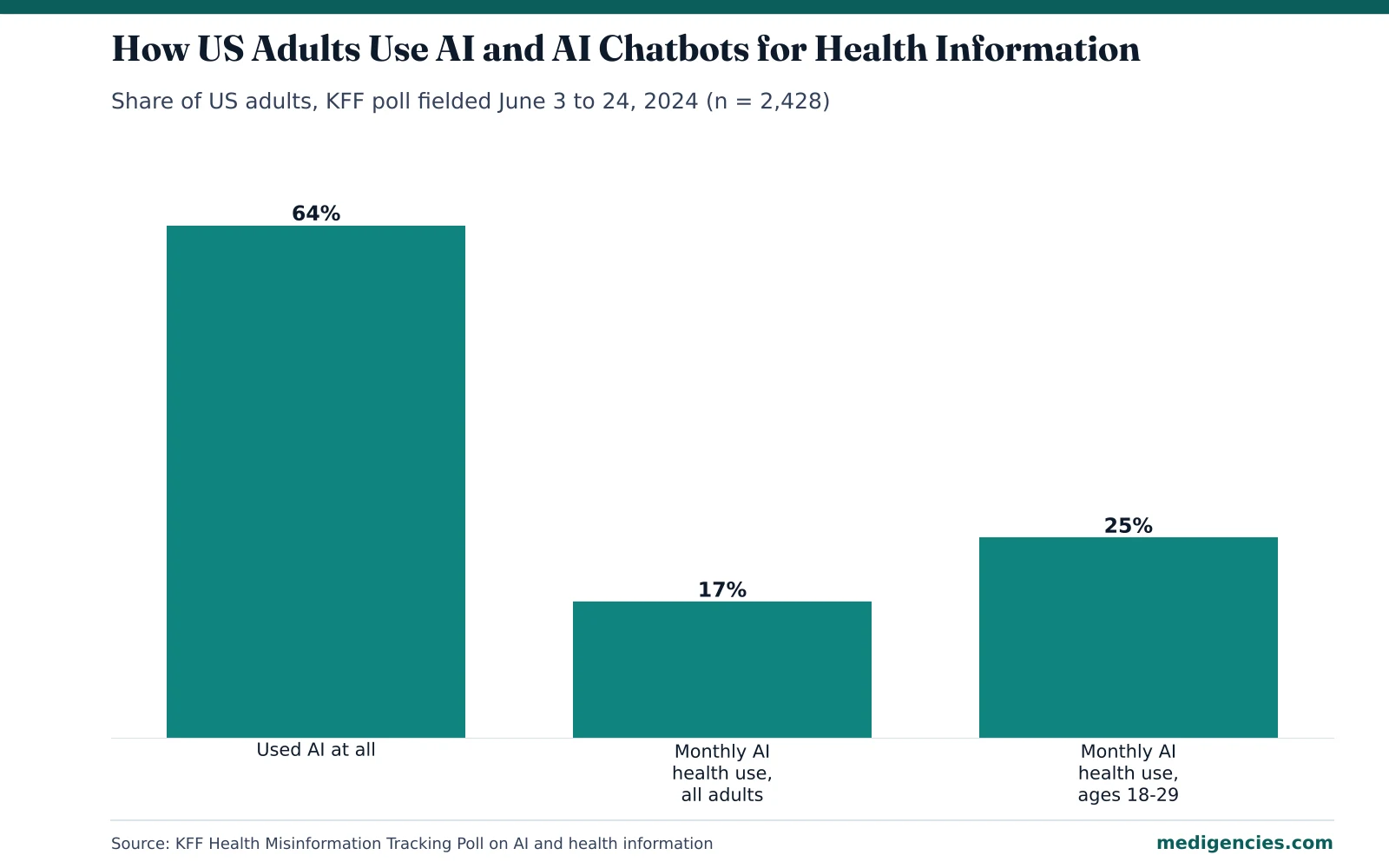
Still, trust is low. In the same poll, 56% of AI users said they were not confident in the accuracy of AI health answers. So a patient who clicks from ChatGPT to your page is often checking the answer. That click deserves its own line in your reports.

Create an “AI Assistants” Channel Group in GA4
Go to Admin, then Data display, then Channel groups. Click “Create new channel group.” GA4 copies the default group, so every existing channel stays in place and you only add one. You need the Editor role or higher at the property level to do this.
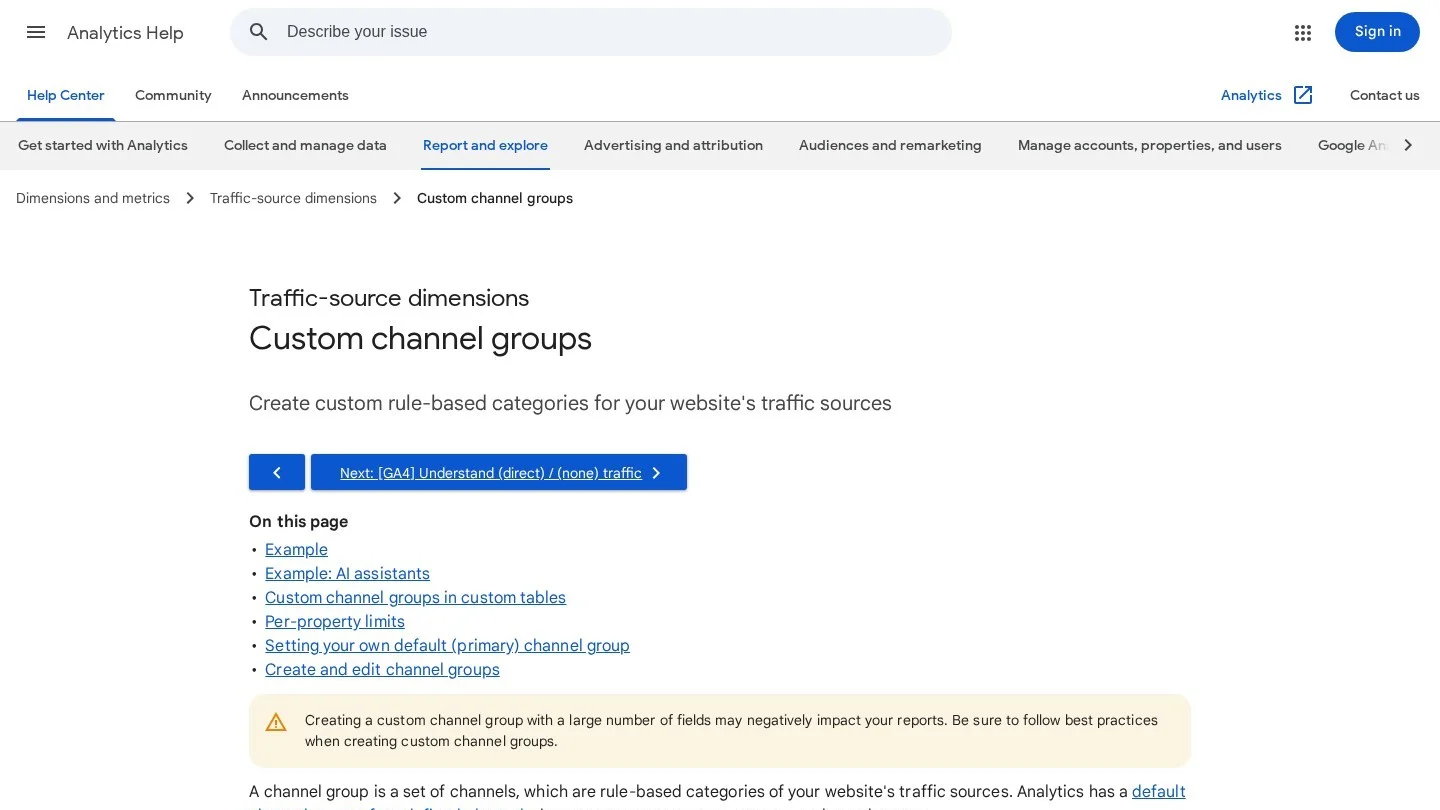
Name the group something your team will recognize, such as “Practice Channels.” Then click “Add new channel” and call it “AI Assistants.” A standard property allows 2 custom groups and 50 channels per group. A 360 property allows 5 custom groups.
Write One Regex for the Five Assistant Domains
Add a condition, choose “Source,” then choose “matches regex.” Paste this pattern.
.*(chatgpt|openai|perplexity|gemini\.google|copilot\.microsoft|claude\.ai).*GA4 treats regex as a full match by default. Google’s own example shows “San Francisco” matching only that city, while “.*San Francisco.*” also catches “South San Francisco.” So the .* on each side lets the pattern catch subdomains and longer source names.
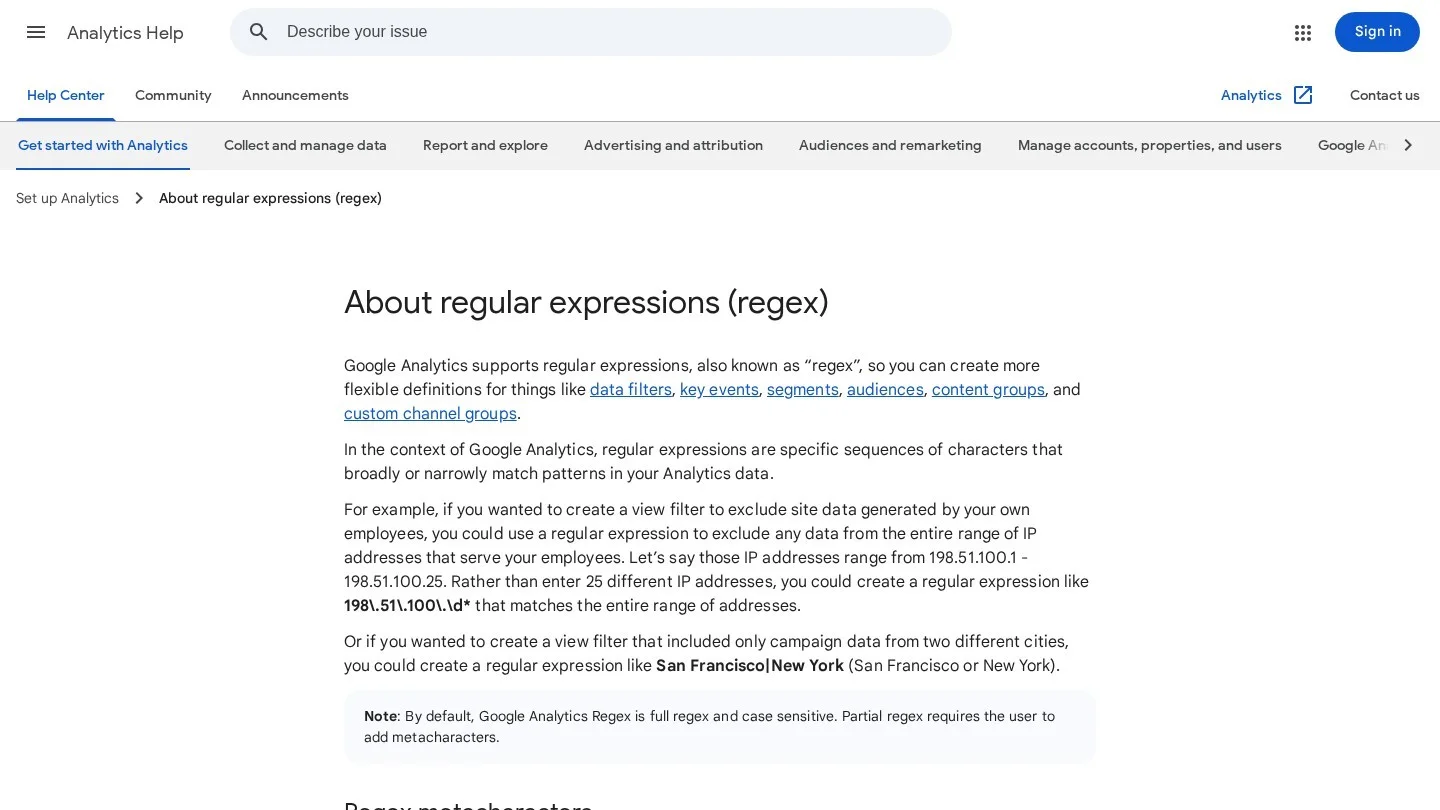
We chose each part for a reason. For example, “chatgpt” and “openai” cover chatgpt.com and the older chat.openai.com address. Also, “gemini\.google” skips unrelated sites that use the word Gemini. The backslash before each dot makes it a literal dot in the pattern.
| Assistant | Source you will see in GA4 | Part of the pattern that catches it |
|---|---|---|
| ChatGPT | chatgpt.com (older visits: chat.openai.com) | chatgpt, openai |
| Perplexity | perplexity.ai | perplexity |
| Google Gemini app | gemini.google.com | gemini\.google |
| Microsoft Copilot | copilot.microsoft.com | copilot\.microsoft |
| Claude | claude.ai | claude\.ai |
Channel definitions in GA4 are not case sensitive, per Google’s channel group help page. Even so, we keep the pattern lower case, because that matches how GA4 shows source values.
Drag the AI Channel Above Referral
Google states that traffic goes into the first channel whose rule it matches. A ChatGPT click with a referral medium would therefore land in Referral if Referral comes first. So click “Reorder” and move AI Assistants above Referral, Organic Search and Unassigned.
Then save. Custom channel groups apply to your reports retroactively, so last year’s AI visits move into the new channel too. However, audiences built on the channel only update from the save date forward.
Test the Channel With a Free-Form Exploration
Open Explore and build a free-form table. Put your new channel group in rows and “Session source” next to it. Every row under AI Assistants should be an assistant domain. If a stray source slips in, tighten that part of the pattern and save again.
Next, look at the Unassigned row for any AI source left behind. For instance, a visit tagged with utm_source but no utm_medium can fall outside the default rules. A source-only rule catches it whatever the medium says.
Read UTM Tags Knowing Where They Stop
OpenAI’s publisher FAQ says ChatGPT automatically adds utm_source=chatgpt.com to the links it shows in search results. As a result, many ChatGPT clicks carry their source even when the browser drops the referrer. The same FAQ asks sites to allow OAI-SearchBot in robots.txt if they want to appear in ChatGPT search.
Other assistants do not publish the same promise in their help pages. So their clicks depend on the referrer header. When a click arrives with no referrer and no UTM tag, GA4 files it under Direct. That is why the AI channel shows a floor of AI visits. The true number sits somewhere above it.
You also cannot tag links you did not place, because an AI tool picks your URL from its own index. So the channel group, the server logs and a question on the intake form carry the rest of the work.
| Signal | What it proves | Where it falls short |
|---|---|---|
| utm_source=chatgpt.com | The click came from a ChatGPT answer | Covers ChatGPT only |
| Referrer header | The browser passed the AI site’s address | Apps and privacy settings can strip it |
| Your own UTM codes | A click came from a link you placed | Says nothing about links AI tools chose |
| Direct traffic | A session with no source data | Hides some AI clicks among typed visits |
Count AI Fetches in Your Server Logs
GA4 runs in a browser, so it never sees an AI tool reading your page. Your web server does. Each AI company names its agents, and each agent shows up in the user-agent field of your access log.
| User agent | Company | What it does, per the company |
|---|---|---|
| ChatGPT-User | OpenAI | Visits pages for actions a user starts in ChatGPT or a Custom GPT |
| OAI-SearchBot | OpenAI | Finds pages to show in ChatGPT search |
| GPTBot | OpenAI | Crawls content that may train OpenAI’s models |
| Perplexity-User | Perplexity | Visits a page when a user’s question needs it |
| PerplexityBot | Perplexity | Finds and links sites in Perplexity results |
| Claude-User | Anthropic | Fetches pages when Claude users ask questions |
| Claude-SearchBot | Anthropic | Improves the quality of Claude search results |
| ClaudeBot | Anthropic | Collects content that may train Anthropic’s models |
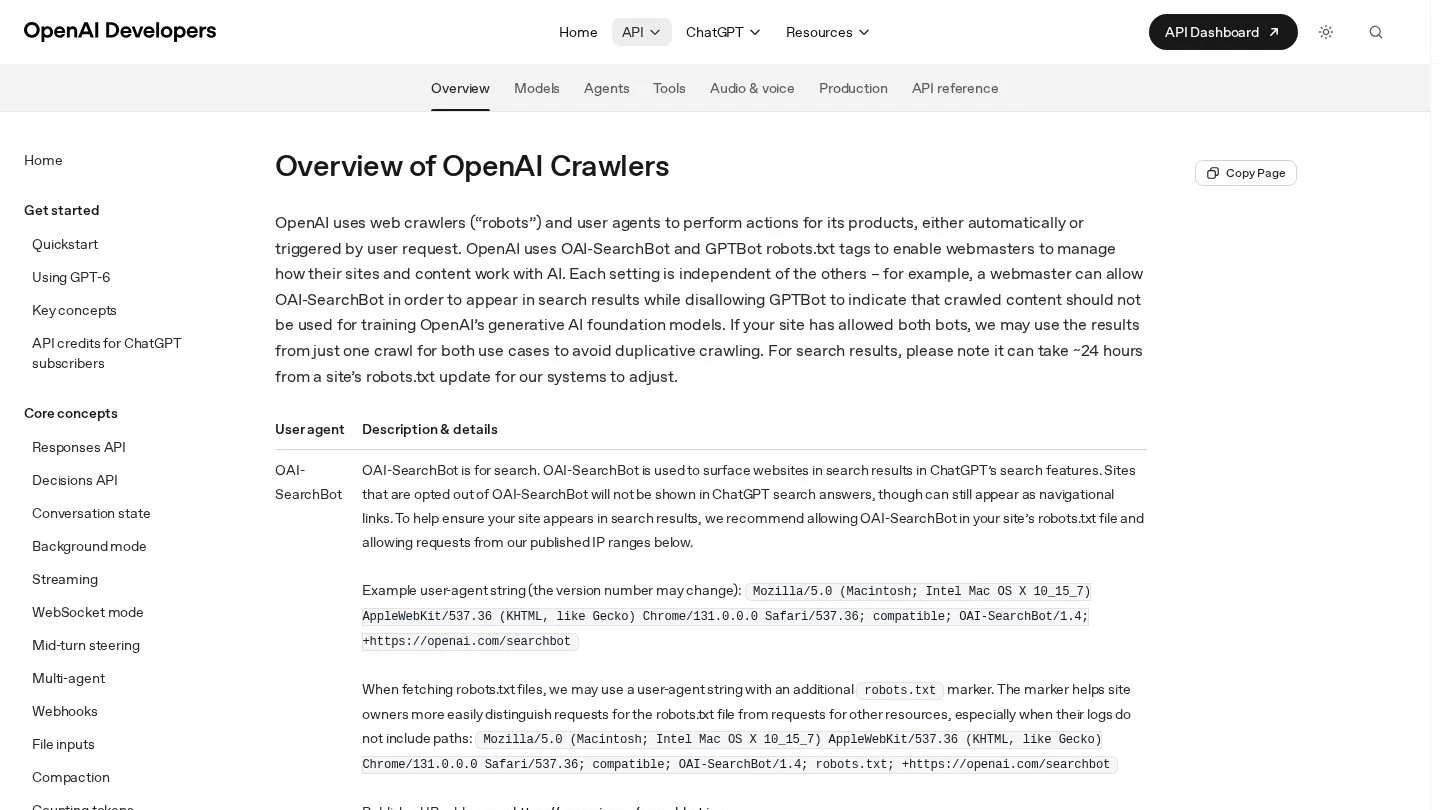
The “-User” agents matter most for a practice. Each one means a real person asked an AI tool something, and the tool opened your page to answer. In fact, OpenAI and Perplexity both say these user-started visits may not follow robots.txt rules.

Ask your host or IT team for a monthly count by agent and URL. On a Linux server with a standard access log, one command does it.
grep -E "ChatGPT-User|Perplexity-User|Claude-User" access.log \
  | awk '{print $7}' | sort | uniq -c | sort -rn | head -20
The output lists your 20 most-read pages by AI tools on behalf of users. Then compare that list with the landing pages in your AI channel. A page that AI tools read often but patients rarely click may need a clearer answer near the top.
Keep one caution in mind. Anyone can copy a user-agent string, so treat these counts as estimates. Also, access logs hold IP addresses and full URLs. For that reason, we strip query strings and keep logs with a host that has signed a business associate agreement.
Keep AI Tracking Off Pages That Hold Patient Data
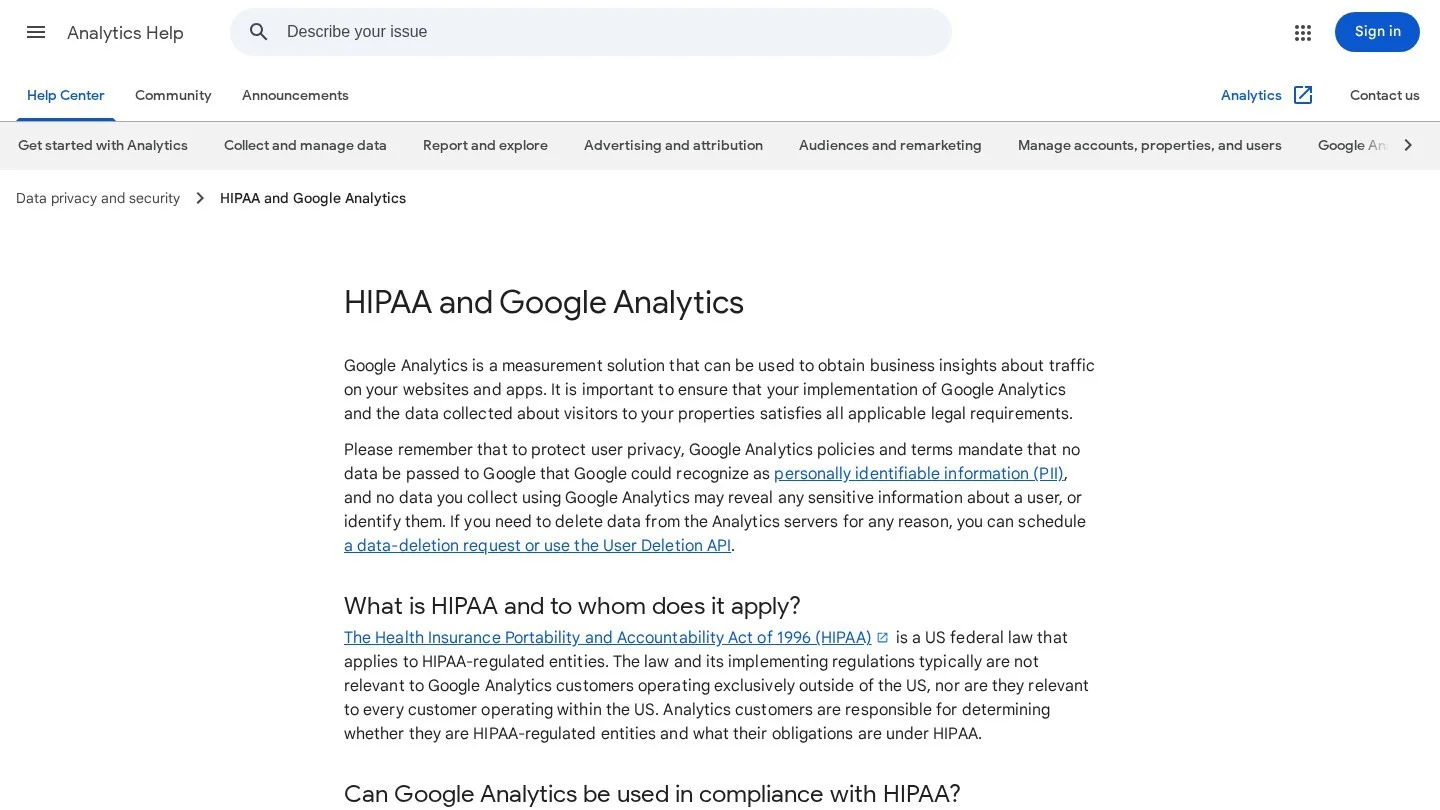
Google states that it does not offer business associate agreements for Google Analytics. Its HIPAA help page says authenticated pages are likely HIPAA-covered, and customers should not tag them. It adds that unauthenticated pages tied to providing care are more likely covered too.
The HHS Office for Civil Rights bulletin on tracking technologies draws similar lines. It says HIPAA applies when tracking captures data from appointment scheduling, symptom checkers or a portal login page. On the other hand, general pages such as visiting hours or job posts usually give trackers no PHI.
A court has since changed part of that bulletin. On June 20, 2024, a federal court in Texas vacated one section. That section said an IP address plus a visit to a public condition page triggers HIPAA. HHS now shows that note at the top of the bulletin. Even so, the rest of the guidance stands, so we treat it as the working rule.
In practice, the AI channel needs only page-level data. It never needs a patient’s name, condition or appointment. So we recommend these rules for every practice site.
- Put the GA4 tag on public education, location and doctor pages only.
- Remove it from the portal, booking flow, intake forms and any symptom checker.
- Name key events by page type, such as “consult_page_view,” and leave out condition names.
- Send form data to a vendor that signs a business associate agreement.
- Ask your privacy officer or counsel to approve the tag map before launch.
Ad pixels raise the same questions, and Google Ads adds its own health rules. Our guide to Google’s healthcare ad rules covers that side.
Split Google AI Overview Clicks From Chatbot Clicks
Clicks from Google’s AI Overviews and AI Mode do not show up as a separate source in GA4. Instead, they arrive as google / organic, the same as a blue link. Google reports them inside the Search Console Performance report, under the Web search type.
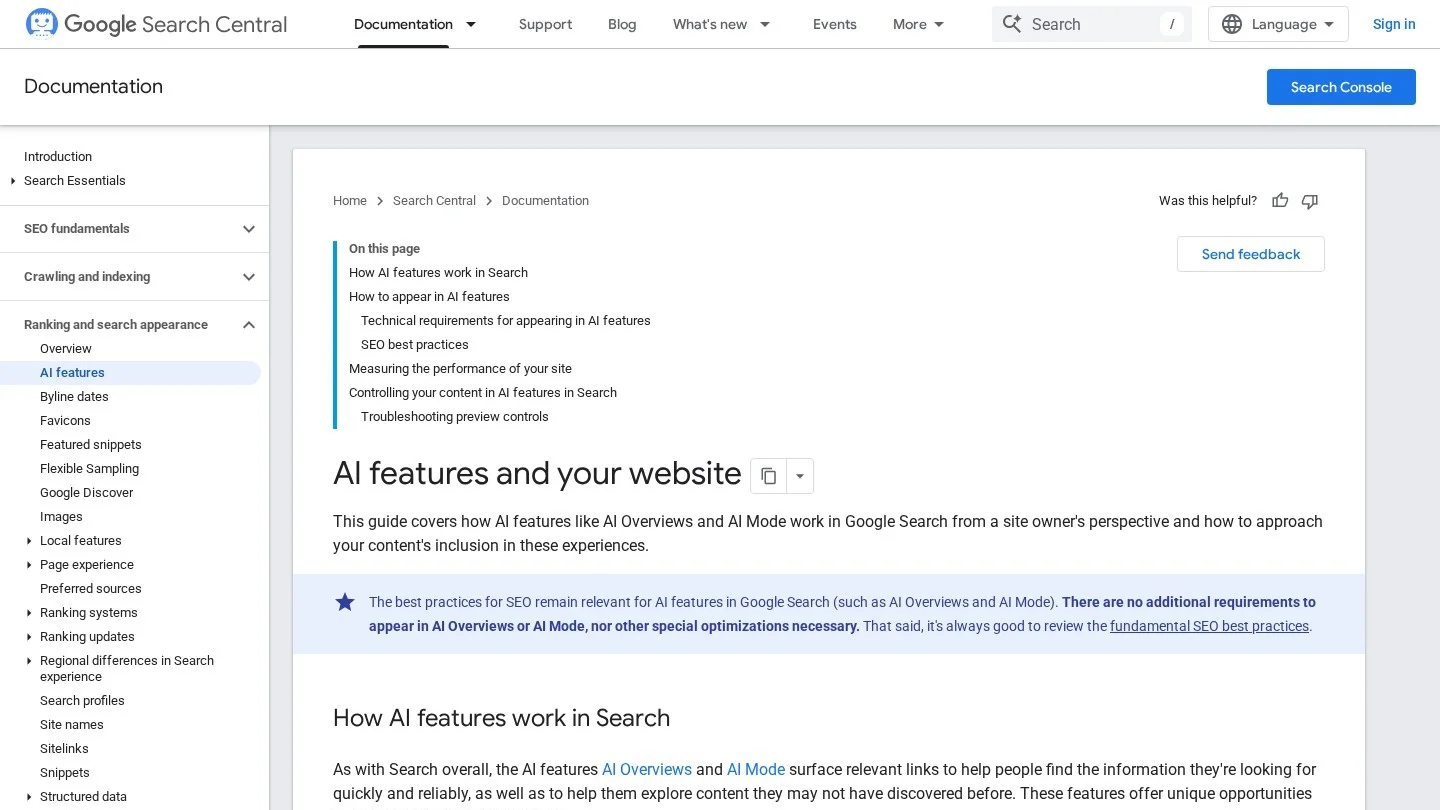
Google also announced Search generative AI performance reports for Search Console in June 2026. If your property shows them, add those numbers to the same monthly sheet. Keep them in their own row, though. Your GA4 AI channel counts chatbot clicks, while Search Console counts Google’s own AI features.
To get cited in Google’s AI features, read our cataract surgery center SEO guide and med spa SEO guide for page setup by specialty.
Study the Pages AI Tools Send Patients To
Open the Landing page report and add a filter for your AI Assistants channel. Then sort by sessions. The top rows tell you which questions AI tools answer with your content.
Next, compare those pages with pages that already do this well. We picked three public healthcare pages that put a direct answer in plain view. Each one shows a pattern a practice can copy.
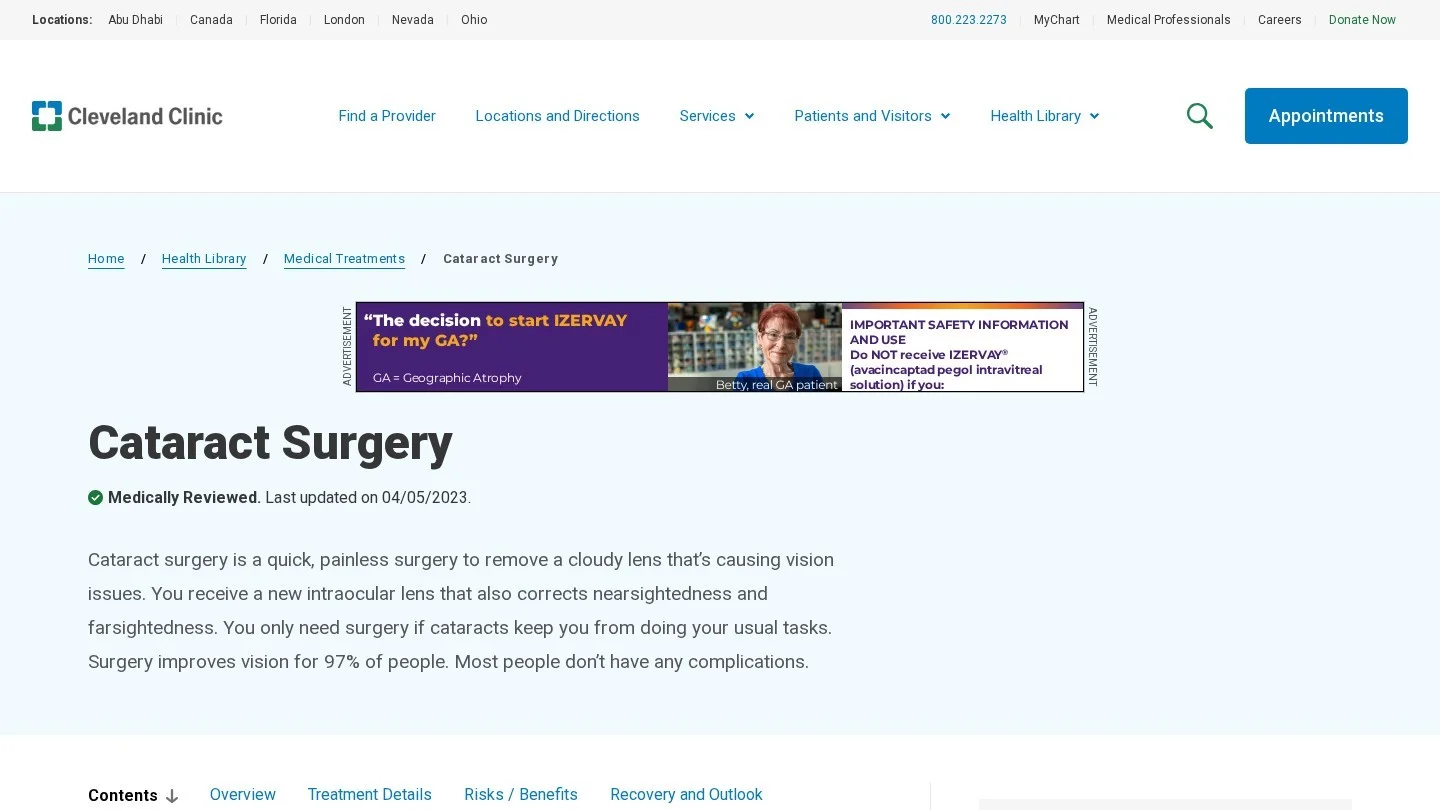
First, Cleveland Clinic’s cataract surgery page uses question subheads with a short answer under each one. It also carries a medically reviewed label. An AI tool can lift any single answer without losing the meaning.
Second, LaserAway gives each patient question its own URL, such as how long laser hair removal lasts. So when an AI tool cites the answer, the click lands on the exact question. Then your landing page report shows which question drew the visit.
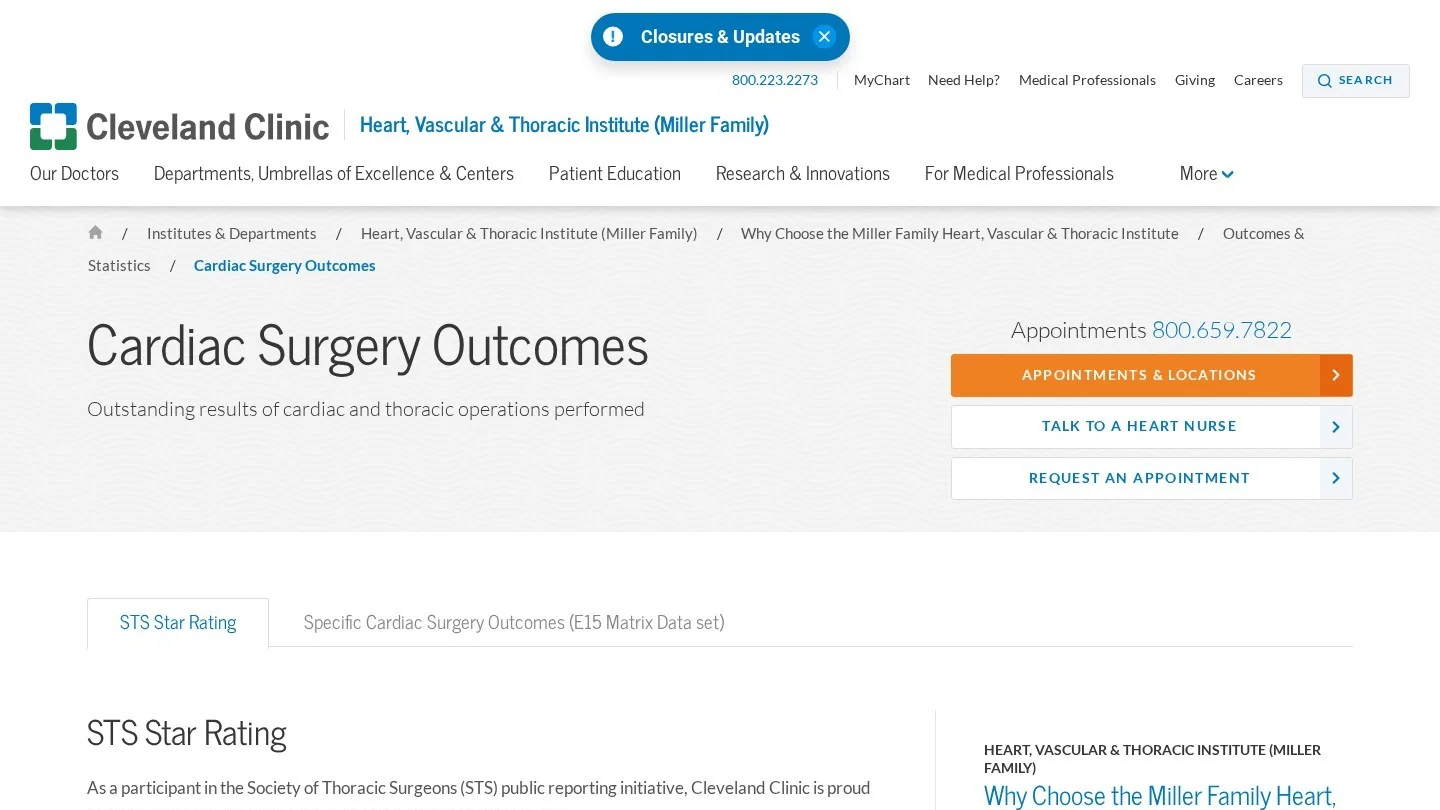
Third, Cleveland Clinic’s cardiac surgery outcomes page lists ratings with their data periods. Dated facts like these give AI tools something specific to quote. Also, a patient who wants to check a number has a reason to click.
After that, check the engagement rate and key events for each AI landing page. A page with many AI sessions but few consult clicks may answer the question and stop there. For instance, a short “book a consult” line under the answer gives the reader a next step.
Report AI Referrals to the Practice Every Month
Pull the same seven numbers on the same day each month. Then compare each one with the month before and the same month last year. Small monthly counts swing a lot, so trends over three months tell you more than any single month.
| Line | Where it comes from | This month | Last month |
|---|---|---|---|
| AI Assistants sessions | GA4 custom channel group | ||
| AI share of all sessions | AI sessions ÷ all sessions | ||
| Sessions by assistant | GA4 exploration, Session source | ||
| Top 5 AI landing pages | GA4 Landing page report, AI filter | ||
| Consult page views from AI visits | GA4 key events | ||
| “-User” agent fetches | Server access log | ||
| Google AI feature clicks | Search Console |
The share line needs one division. For example, 60 AI sessions out of 5,000 total sessions is 1.2%. If the next month shows 90 out of 5,000, the share rises to 1.8%. Those figures are an illustration of the math only, so plug in your own.
Finally, connect the report to the front desk. Ask new patients how they found you and add “AI assistant” as a choice on the intake list. Patient answers can catch some of the visits that GA4 files as Direct.
If you want outside help, our directory lists healthcare AEO and GEO agencies and healthcare SEO agencies. For a wider look at tracking software, see our review of healthcare SEO tools.
Answer Practice Managers’ Questions About AI Referral Data
Why Does ChatGPT Traffic Show Up as Unassigned or Direct?
Unassigned means no default channel rule matched the visit’s source and medium. Direct means the click arrived with no referrer and no UTM tag. A source-based AI channel fixes the first case. The second case only shows up through patient surveys and server logs.
Can a Practice Use GA4 Under HIPAA at All?
Google says it makes no claim that Analytics meets HIPAA and offers no business associate agreement. It advises regulated customers to use GA4 only on pages that are not HIPAA-covered. So many practices keep GA4 on public pages and work with counsel to map which pages qualify.
Should We Block GPTBot or ClaudeBot?
Those two crawl for model training. Blocking them in robots.txt does not stop the search and user agents, because each company names those separately. However, OpenAI asks sites to allow OAI-SearchBot if they want to appear in ChatGPT search.
How Many Custom Channel Groups Can One Property Have?
A standard GA4 property allows 2 custom channel groups next to the default one. A 360 property allows 5. Each group holds up to 50 channels, so one group can carry AI Assistants and your other practice channels.
Do AI Overview Clicks Count in the AI Assistants Channel?
No. Those clicks come from google.com, so GA4 counts them as organic search. Track them in Search Console instead. Keeping the two apart stops you from crediting ChatGPT for visits that Google sent.
Multi-location groups often want an agency to build this setup. Our medical practice marketing agencies list shows firms by specialty, and the get matched form sends your brief to a short list. Our post on AI agents in healthcare marketing covers the other side of AI at a practice.
Compare Agencies for This Topic
Digital Health and Healthtech Marketing AgenciesMedical Practice Marketing AgenciesHealthcare AEO and GEO AgenciesHealthcare SEO Agencies
More From the Blog

Statistics
Private Hospital vs Public Hospital Cost Statistics
Hospital costs by ownership in the US, India and the UK, with our own ratios, growth rates and price-page advice for hospital marketers.
Nov 5, 2026

Statistics
Healthcare Mobile Search Statistics
Smartphone ownership, online health lookups by age, portal app use, telemedicine and page speed limits, with our own per-1,000-adults model for clinics.
Nov 5, 2026

Statistics
Healthcare Digital Marketing ROI Statistics
Hospital ad effects, health system marketing budgets, cost per patient by channel and Google's return claim, with our own math for clinics and hospitals.
Nov 5, 2026